Design Tokens & Tailwind v4: The Complete Guide
Design tokens have become the foundation of modern design systems, and Tailwind CSS v4 takes this to the next level. In 2026, combining design tokens with Tailwind's utility-first approach provides unmatched consistency and scalability for large applications.
This guide covers everything from basic token setup to advanced theming strategies.
What Are Design Tokens?
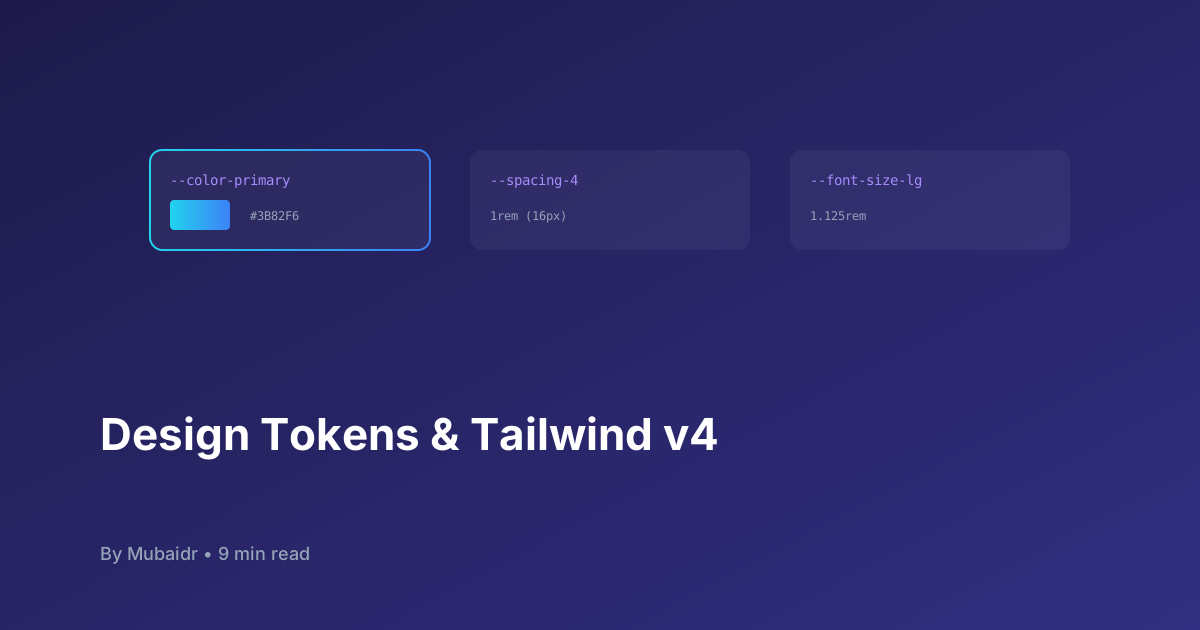
Design tokens are named variables that store design decisions:
- Colors:
primary-500: #3B82F6 - Spacing:
spacing-4: 1rem - Typography:
font-lg: 1.125rem - Borders:
radius-md: 0.375rem
Why Design Tokens Matter
- Consistency: Same values across all platforms
- Scalability: Change once, update everywhere
- Theming: Easy dark mode and brand variations
- Collaboration: Shared language between designers and developers
Tailwind v4: What's New
CSS-First Configuration
/* Tailwind v4 uses CSS variables natively */
@theme {
  --color-primary: #3b82f6;
  --color-primary-500: #3b82f6;
  --spacing-4: 1rem;
  --font-size-lg: 1.125rem;
}
Native CSS Variables
/* Before v4 */
.bg-primary {
  background-color: #3b82f6;
}

/* Tailwind v4 */
.bg-primary {
  background-color: var(--color-primary);
}
Setting Up Design Tokens
Step 1: Define Your Token Structure
// design-tokens/tokens.json
{
  "colors": {
    "primary": {
      "50": "#EFF6FF",
      "100": "#DBEAFE",
      "500": "#3B82F6",
      "900": "#1E3A8A"
    },
    "neutral": {
      "100": "#F3F4F6",
      "500": "#6B7280",
      "900": "#111827"
    }
  },
  "spacing": {
    "0": "0",
    "1": "0.25rem",
    "2": "0.5rem",
    "4": "1rem",
    "8": "2rem"
  },
  "typography": {
    "fontSize": {
      "sm": "0.875rem",
      "base": "1rem",
      "lg": "1.125rem",
      "xl": "1.25rem"
    }
  }
}
Step 2: Configure Tailwind v4
/* app/assets/css/main.css */
@import "tailwindcss";

@theme {
  /* Colors */
  --color-primary-50: #eff6ff;
  --color-primary-100: #dbeafe;
  --color-primary-500: #3b82f6;
  --color-primary-900: #1e3a8a;

  --color-neutral-100: #f3f4f6;
  --color-neutral-500: #6b7280;
  --color-neutral-900: #111827;

  /* Spacing */
  --spacing-1: 0.25rem;
  --spacing-2: 0.5rem;
  --spacing-4: 1rem;
  --spacing-8: 2rem;

  /* Typography */
  --font-size-sm: 0.875rem;
  --font-size-base: 1rem;
  --font-size-lg: 1.125rem;
  --font-size-xl: 1.25rem;

  /* Border Radius */
  --radius-sm: 0.125rem;
  --radius-md: 0.375rem;
  --radius-lg: 0.5rem;
  --radius-full: 9999px;
}
Step 3: Use in Nuxt Components
<!-- app/components/UButton.vue -->
<template>
  <button
    class="px-4 py-2 rounded-md font-medium transition-colors"
    :class="[
      `bg-primary-500 hover:bg-primary-600`,
      `text-white`,
      sizeClasses[size],
    ]"
  >
    <slot />
  </button>
</template>

<script setup lang="ts">
const props = defineProps({
  size: {
    type: String as () => "sm" | "md" | "lg",
    default: "md",
  },
})

const sizeClasses = {
  sm: "px-2 py-1 text-sm",
  md: "px-4 py-2 text-base",
  lg: "px-6 py-3 text-lg",
}
</script>
Advanced Token Patterns
1. Semantic Color Tokens
@theme {
  /* Semantic colors */
  --color-background: var(--color-white);
  --color-foreground: var(--color-neutral-900);
  --color-primary: var(--color-primary-500);
  --color-secondary: var(--color-neutral-500);
  --color-success: var(--color-green-500);
  --color-warning: var(--color-yellow-500);
  --color-error: var(--color-red-500);
}

/* Dark mode */
.dark {
  --color-background: var(--color-neutral-900);
  --color-foreground: var(--color-white);
}
2. Responsive Spacing Scale
@theme {
  /* Mobile-first spacing */
  --spacing-section-mobile: 2rem;
  --spacing-section-tablet: 3rem;
  --spacing-section-desktop: 4rem;
}

/* Usage */
.section {
  padding-top: var(--spacing-section-mobile);
}

@screen md {
  .section {
    padding-top: var(--spacing-section-tablet);
  }
}

@screen lg {
  .section {
    padding-top: var(--spacing-section-desktop);
  }
}
3. Component Tokens
@theme {
  /* Button tokens */
  --button-primary-bg: var(--color-primary-500);
  --button-primary-hover: var(--color-primary-600);
  --button-primary-text: var(--color-white);

  --button-secondary-bg: transparent;
  --button-secondary-hover: var(--color-neutral-100);
  --button-secondary-text: var(--color-neutral-900);

  /* Card tokens */
  --card-bg: var(--color-white);
  --card-border: var(--color-neutral-200);
  --card-shadow: 0 1px 3px rgba(0, 0, 0, 0.1);
}
Theming with Design Tokens
Dark Mode Implementation
<!-- app/components/ThemeSwitcher.vue -->
<script setup lang="ts">
const colorMode = useColorMode()

const toggleTheme = () => {
  colorMode.preference = colorMode.value === "dark" ? "light" : "dark"
}
</script>

<template>
  <button
    @click="toggleTheme"
    class="p-2 rounded-lg hover:bg-neutral-100 dark:hover:bg-neutral-800"
  >
    <UIcon :name="colorMode.value === 'dark' ? 'i-ph-sun' : 'i-ph-moon'" />
  </button>
</template>
Brand Variations
/* themes/blue.css */
[data-theme="blue"] {
  --color-primary-500: #3b82f6;
  --color-primary-600: #2563eb;
}

/* themes/green.css */
[data-theme="green"] {
  --color-primary-500: #10b981;
  --color-primary-600: #059669;
}

/* themes/purple.css */
[data-theme="purple"] {
  --color-primary-500: #8b5cf6;
  --color-primary-600: #7c3aed;
}
Token Management Tools
1. Style Dictionary
// build-tokens.js
const StyleDictionary = require("style-dictionary")

StyleDictionary.extend({
  source: ["tokens/**/*.json"],
  platforms: {
    css: {
      transformGroup: "css",
      buildPath: "dist/css/",
      files: [
        {
          destination: "variables.css",
          format: "css/variables",
        },
      ],
    },
    js: {
      transformGroup: "js",
      buildPath: "dist/js/",
      files: [
        {
          destination: "tokens.js",
          format: "javascript/es6",
        },
      ],
    },
  },
}).buildAllPlatforms()
2. Tokens Studio
// tokens.json (Tokens Studio format)
{
  "colors": {
    "primary": {
      "500": {
        "value": "#3B82F6",
        "type": "color",
        "description": "Primary brand color"
      }
    }
  }
}
Best Practices
Do's
✅ Use semantic naming (color-primary not color-blue)
✅ Keep tokens platform-agnostic
✅ Document token usage and intent
✅ Version your tokens
✅ Test tokens across themes
Don'ts
❌ Hardcode values in components ❌ Mix semantic and literal names ❌ Create too many tokens (keep it minimal) ❌ Forget about accessibility ❌ Ignore performance implications
Performance Optimization
1. Tree-shake Unused Tokens
/* Only import needed tokens */
@import "tailwindcss" layer(base);
@import "./tokens/colors.css" layer(components);
@import "./tokens/typography.css" layer(components);
2. CSS Custom Properties
/* Use CSS variables for runtime theme switching */
:root {
  --color-primary: #3b82f6;
}

.button {
  background-color: var(--color-primary);
}
3. Critical CSS
<!-- Extract critical tokens for initial render -->
<style>
:root {
  --color-primary: #3b82f6;
  --color-background: #ffffff;
  --color-foreground: #111827;
}
</style>
Real-World Example: Complete Component
<!-- app/components/UCard.vue -->
<template>
  <div class="card">
    <div class="card-header">
      <h3 class="card-title">
        <slot name="title" />
      </h3>
    </div>
    <div class="card-body">
      <slot />
    </div>
    <div class="card-footer">
      <slot name="footer" />
    </div>
  </div>
</template>

<style scoped>
.card {
  background: var(--card-bg);
  border: 1px solid var(--card-border);
  border-radius: var(--radius-lg);
  box-shadow: var(--card-shadow);
  overflow: hidden;
}

.card-header {
  padding: var(--spacing-4);
  border-bottom: 1px solid var(--card-border);
}

.card-title {
  font-size: var(--font-size-lg);
  font-weight: 600;
  color: var(--color-foreground);
}

.card-body {
  padding: var(--spacing-4);
}

.card-footer {
  padding: var(--spacing-4);
  border-top: 1px solid var(--card-border);
}
</style>
Conclusion
Design tokens combined with Tailwind v4 provide a powerful foundation for scalable, maintainable design systems. By establishing clear token structures and following best practices, you can ensure consistency across your entire application while maintaining flexibility for theming and customization.
Start small with core tokens (colors, spacing, typography), then expand your system as needs grow. The investment pays dividends in consistency, maintainability, and developer experience.
Ready to implement design tokens? Begin by extracting your most-used values into tokens, then gradually expand coverage. Your future self (and team) will thank you.